Personal iPad game list

Kids iPad Game Recommendations

This is not a sponsored list. No affiliate links. No paid placement. I made it for my own kids after watching them bounce from fun game ideas into ads, currencies, confusing menus, and frustration.

The goal is simple: help them find joy in playing games instead of frustration, while keeping purchases, chat, and pressure loops out of the way.

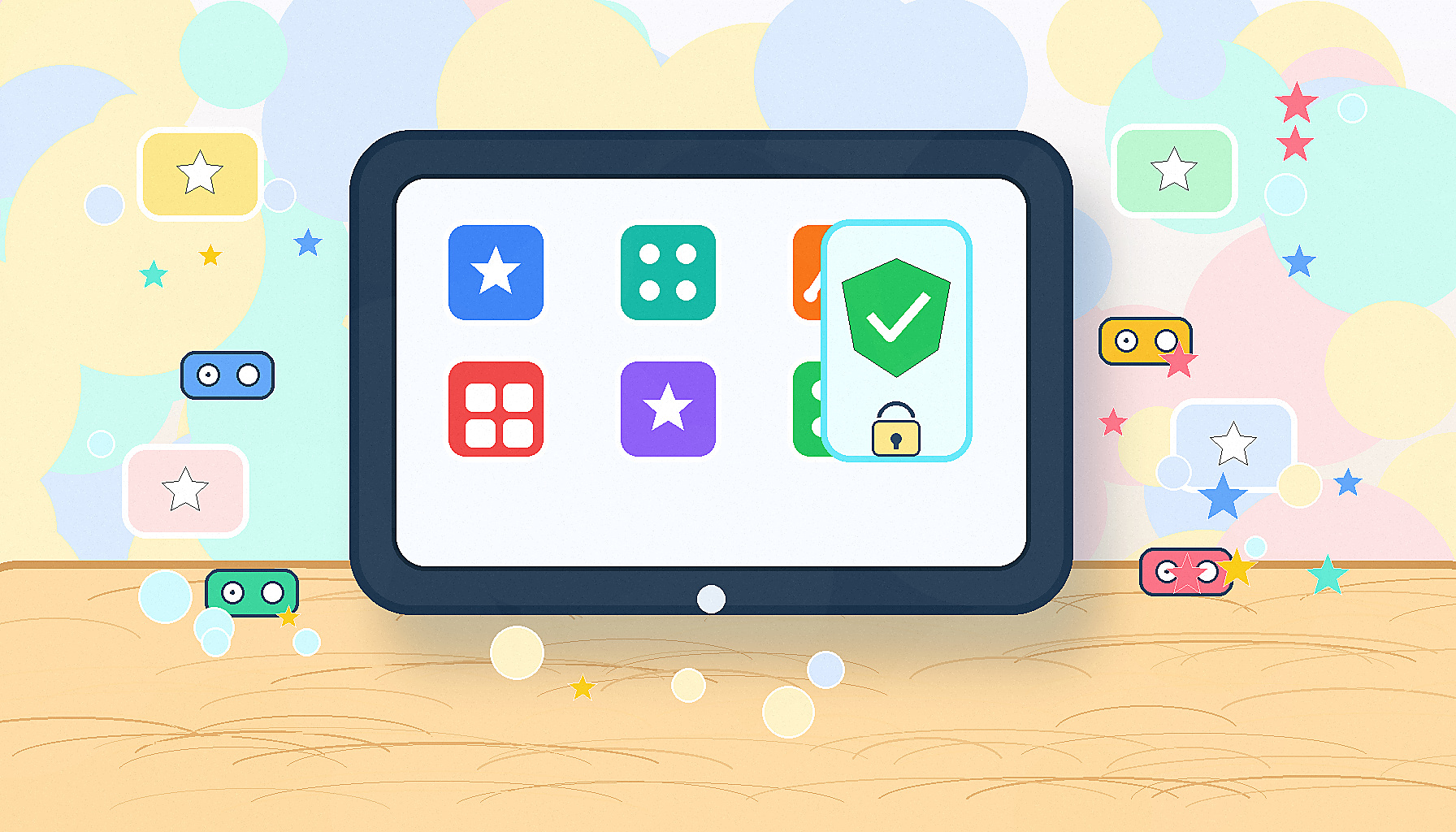
Original illustration of a parent-friendly iPad game guide with child-safe game tiles.

How I judged the games

I cared less about popularity and more about whether the game gets a kid playing quickly without turning every session into a store, ad break, loot chase, or social feed.

  • No sponsorship or affiliate payment.
  • Clear fun in the first few minutes.
  • Low ad pressure, currency pressure, and FOMO pressure.
  • Good fit for iPads, short sessions, and family controls.

Start here

Best first picks

Original illustration for the Apple Arcade recommendation with an ad-free game tile grid.
Best first

Apple Arcade

The cleanest default if the family subscription is acceptable.

Purchase pressure: low after the subscription, because Arcade games have no ads or in-app purchases.

I would start with Crossy Road Castle, Crossy Road+, Sneaky Sasquatch, WHAT THE CAR?, Subway Surfers Tag, and Bloons TD 6+.

Apple Arcade terms
Original illustration for Rocket League Sideswipe with a fast-match game controller scene.
Best first

Rocket League Sideswipe

Fast rounds, clear skill growth, and cosmetics earned by playing.

Purchase pressure: low based on the current App Store listing and Rocket Pass unlock wording.

This is the best free non-subscription pick I found for high-energy play without the usual ad funnel.

App Store listing
Original illustration for Geometry Dash with rhythmic blocks and a safe retry path.
Best first

Geometry Dash

A paid skill game that can be hard, but the failure is fair and immediate.

Purchase pressure: low after purchase.

Good for kids who like retrying a challenge. Skip it if repeated near-misses create frustration.

App Store listing

Use carefully

Good with guardrails

Original illustration for Bloons TD 6 with strategy balloons and planning tiles.
Good with guardrails

Bloons TD 6

Great strategy loop for older kids who like planning and upgrades.

Purchase pressure: medium in the standard paid app because the listing includes in-app purchases; lower with Bloons TD 6+ on Arcade.

I would choose the Apple Arcade version first when possible, then disable purchases either way.

App Store listing
Original illustration for Human: Fall Flat with soft puzzle platforms and silly physics shapes.
Good with guardrails

Human: Fall Flat

Funny physics puzzles and co-op chaos without the usual free-to-play grind.

Purchase pressure: low after purchase.

Good when silly failure feels funny. Not a good fit when a kid wants precise controls.

App Store listing
Original illustration for Minecraft with generic sandbox building cubes and a family guardrail shield.
Good with guardrails

Minecraft

Excellent creative play, especially in a known world with known friends.

Purchase pressure: medium to high unless Marketplace purchases and multiplayer are locked down.

I would treat this as a creative sandbox, not an open social app.

App Store listing
Original illustration for Paper.io 2 with territory paths and an ad-control lock.
Good with guardrails

Paper.io 2

Simple territory play that kids already understand quickly.

Purchase pressure: medium unless No Ads is bought, and optional reward videos can still remain.

I would only keep it if the ad load is removed and the optional video prompts do not become the main loop.

Paper.io 2 ad policy
Original illustration for Roblox with a curated game shelf and parental control shield.
Good with guardrails

Roblox

Only for specific known games, not unlimited browsing.

Purchase pressure: high unless spending, chat, game access, and screen time controls are set first.

I would use Roblox parental controls plus iPad purchase blocking before handing it back.

Roblox parental controls

Skip list

Avoid for now

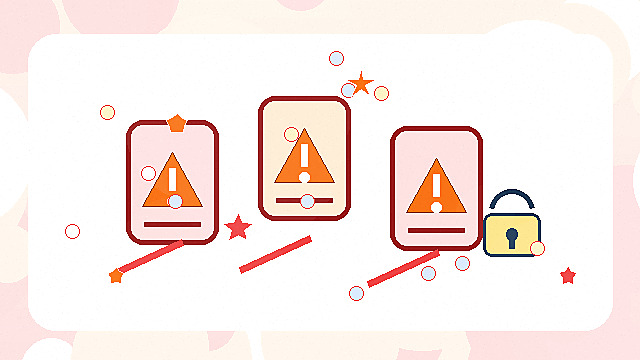
Original illustration for the avoid-for-now list with warning cards and pressure-loop symbols.
Avoid for now

Eggy Party, Stumble Guys clones, Squad Busters

These overlap with what my kids like, but the pressure/friction tradeoff is worse.

Purchase pressure: high or the product state is not worth building around.

Squad Busters is already winding down. For the others, I would rather offer Arcade games or Rocket League Sideswipe first.

Squad Busters closure FAQ

Before handing over the iPad

Purchase pressure settings

On each child iPad, I would set: Settings -> Screen Time -> Content & Privacy Restrictions -> iTunes & App Store Purchases -> In-App Purchases -> Don't Allow.

  • Set Require Password to Always Require.
  • Use Roblox controls before allowing Roblox browsing.
  • Prefer Apple Arcade versions when a game has both Arcade and regular App Store versions.
Apple Screen Time instructions

Sources checked

Checked July 4, 2026. App pricing, ratings, and store policies can change.

Plain answers

Quick questions

Is this list sponsored?

No. This is a personal list for my own kids, with no affiliate links, no paid placement, and no sponsorship.

Why no game screenshots?

I am using original PrintableSpark art instead of screenshots, app icons, or character art so the page is useful without relying on copyrighted game assets.

What iPad setting should parents change first?

Start with Screen Time purchase controls: set In-App Purchases to Don't Allow and Require Password to Always Require.